Successfully Added
The product is added to your quote.


The product is added to your quote.

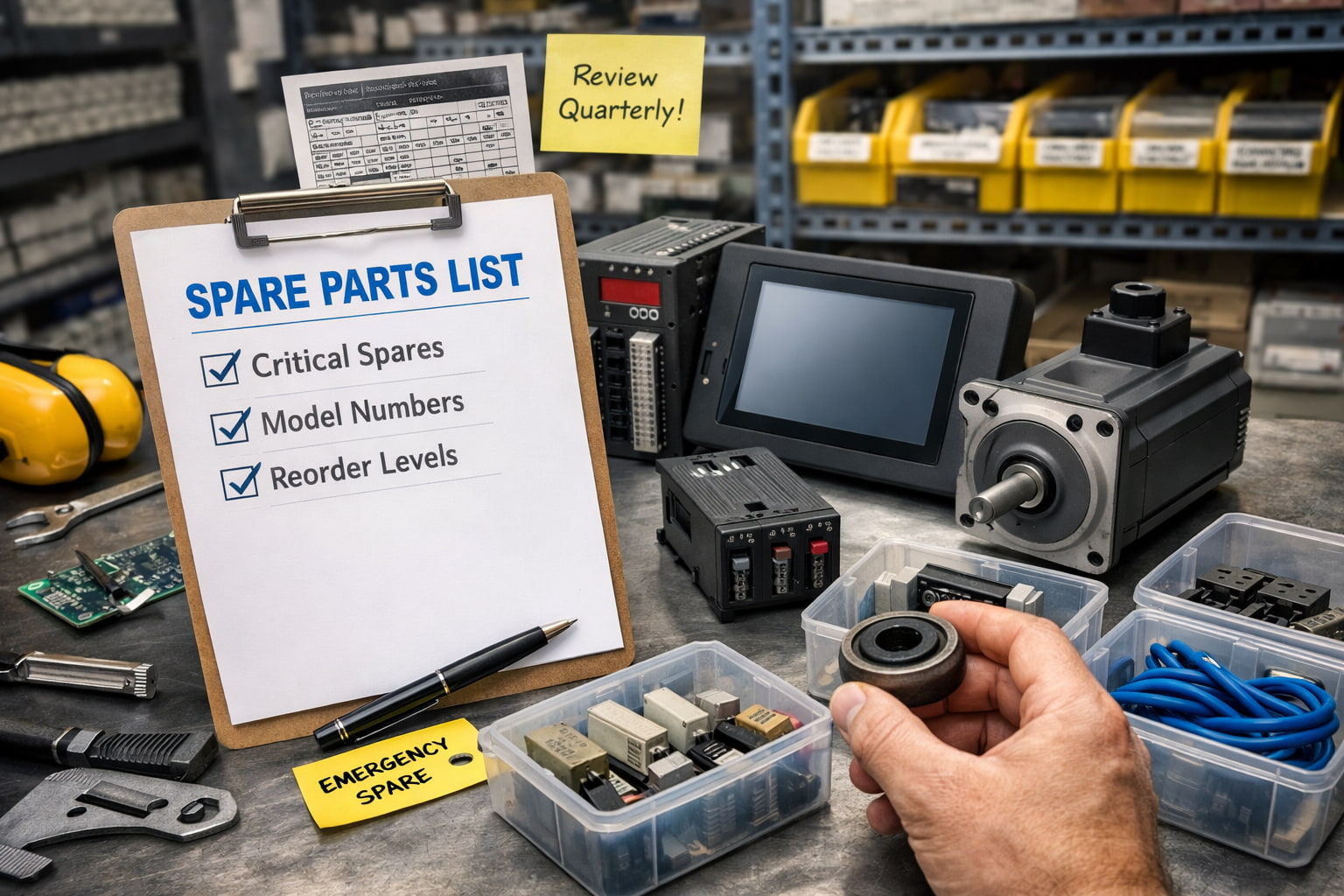
Most spare parts lists are either too short to help during a breakdown or so long that they become impossible to maintain.
A good spare parts list is different. It is targeted, realistic, and tied to the failure points that actually stop production. It also helps your team source parts quickly during a machine-down event, instead of scrambling for model numbers and hoping a vendor can deliver quickly.
This guide explains how to build a spare parts list that reduces downtime, improves response speed, and stays manageable over time.
Not every component deserves a spare. Focus first on the items that regularly cause stoppages, restart delays, or safety lockouts.
Look at the last 6 to 12 months of maintenance history and identify:
If you do not have formal history, talk to the technicians who get called first. They know which failures cause the most pain.
Spare parts planning breaks when cost becomes the only filter. Cost matters, but criticality matters more.
A low-cost part can be a high-risk downtime driver if it is a single point of failure. A high-cost part may not need to be stocked if lead times are short and multiple suppliers can deliver quickly.
A simple ranking system works well:
This keeps the list practical while still protecting uptime.
Many machine-down events drag on because the failed part is not the only issue. A replacement arrives, but a supporting component is missing, incompatible, or damaged.
Common examples include:
When you stock spares, think in terms of recovery kits, not single parts. The goal is restarting the machine, not just replacing the obvious failure.
A spare parts list is only useful if it can be executed under pressure.
For each item, record:
Also add a photo of the nameplate when possible. During emergencies, a nameplate photo can save hours of back-and-forth and reduce ordering mistakes.
Legacy equipment creates a unique risk. A machine may run perfectly for years, then fail and become impossible to source through OEM channels.
If you have older drives, PLCs, or HMIs still running production lines, treat them as high priority for spare planning.
At minimum, identify:
This prevents the worst-case scenario: your line is down and your only option is a redesign.
Stocking spares is not just about buying parts. It is about maintaining readiness.
For each Tier 1 item, decide:
Many spare programs fail because parts get used once and never replaced. Make replenishment simple and automatic.
Some parts fail before they ever get installed because they were stored poorly.
Common storage problems include moisture exposure, dust contamination, ESD damage, and missing accessories that were separated from the unit.
Basic best practices:
A spare that does not work during an emergency is not a spare. It is a false sense of security.
Spare parts lists get stale fast if they are not reviewed.
At minimum, review quarterly and update after major downtime events. Every major failure should answer two questions:
Over time, this turns your spare program into a real downtime reduction system instead of a static spreadsheet.
If you want a spare parts list that reduces downtime, start small and build momentum:
A smart spare parts list is not about stocking everything. It is about stocking the few things that keep your line from staying down.
Contact our team for help building an emergency-ready spare parts strategy
 2 Year Warranty on ALL products